The ultimate video interview guide

Learn to master video interviews

Video interviews are a common part of the job search process.

However, many jobseekers wonder if they’re doing all they can to make the best first impression with prospective employers from behind the screen.

At Kforce, we’re here to help with a comprehensive video interview guide filled with industry expert advice. So, whether you're actively looking for your next opportunity or simply seeing what roles are out there, you can be ready to leave a lasting first impression on your next video interview—even after the camera turns off.
In a recent study, 78% of participants indicated they would prefer to attend a video interview rather than an in-person interview.

In the same study, more than 70% of participants said they have spent between 30 and 60 minutes preparing for a video interview.

Over 70% of participants have spent between 30 and 60 minutes preparing for a video interview.

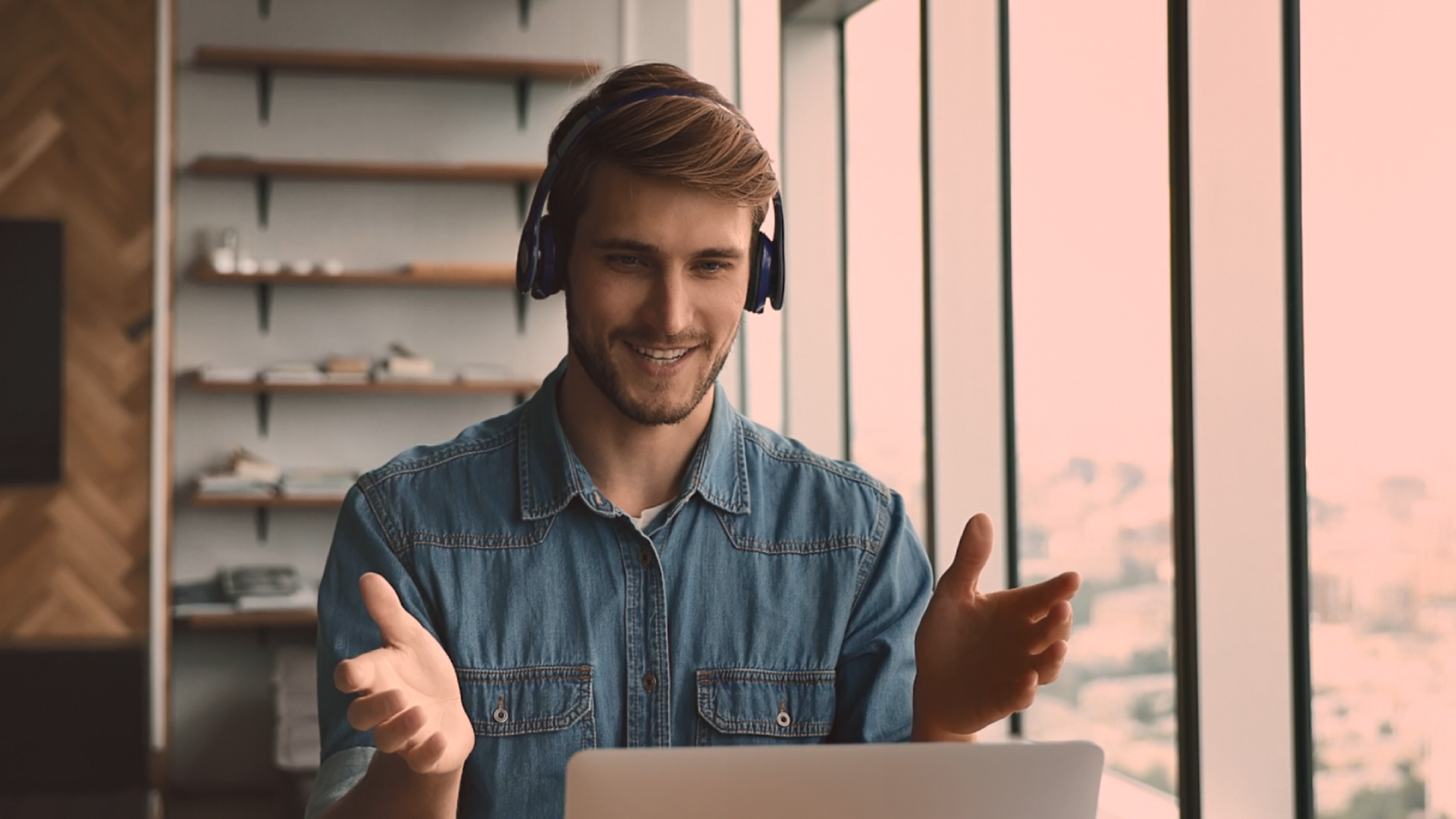
Person on a video call wearing headphones

Identify the best place in your house for the interview

SCOUT OUT THE BEST LIGHTING

If you’re in a room with a window, be sure to position yourself so that it’s either to the side or in front of you. Avoid sitting with a window behind you as this will create dark shadows on your computer screen. Natural light is always preferred, but an overhead ceiling light will work well, too. Try to stay away from desk lamps as these typically emit harsh lighting that doesn’t translate well on camera.

FIND A DISTRACTION-FREE SPACE

Ideally, you will want to set up your interview space in a room with a door that can be closed to ensure the interview can be held free of any unexpected noise or distractions.

KEEP IT SIMPLE

Make sure your computer is set up on a desk or table, at eye-level and positioned directly in front of where you’ll be sitting. Take a close look at any items in the line of sight of your webcam and make any necessary adjustments. Remember, the focus should be on you, not on the 10 posters on the wall behind you.

ANTICIPATE WI-FI CHALLENGES

Avoid the unnecessary stress of a potentially choppy or disrupted Wi-Fi connection during your interview by opting to hardwire your device via an ethernet cable. If hardwiring is not an option, you may want to set up your space as close to your modem as possible for optimal wireless performance.

Ready for your next opportunity?

Set yourself up for success

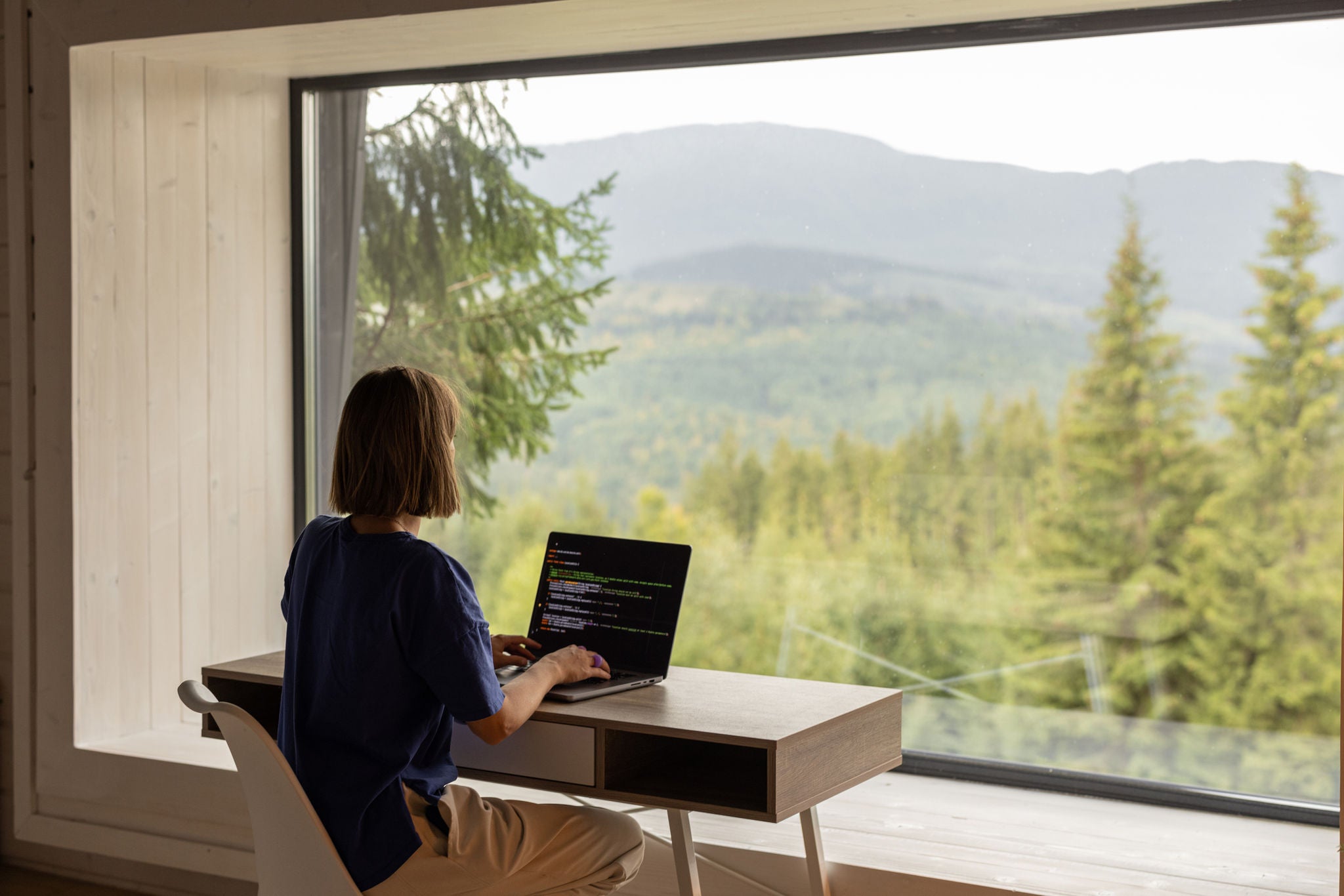
Woman works on laptop while sitting by the table in front of panoramic window with great view on mountains. Remote work and escaping to nature concept
PREPARE YOUR WORKSPACE

Relying on two screens (one for your webcam and one for your resume) can be very distracting for both you and the interviewer. To avoid this, be sure to jot down a few key points from your resume to keep nearby. A professional notebook and a pen should be within close reach to take notes as necessary. It's also a good idea to have a glass of water out of sight of the camera in case you need to take a quick sip.

SOUND CHECK HEADPHONES

Using your computer's audio and speakers can create an echo or pick up unnecessary background noise. For optimal sound quality, we recommend using headphones or earbuds during your interview. If you choose to use a headset with a microphone, conduct a sound check to make sure it's perfectly tuned and adjusted so that the mic is not too close to your nose or mouth.

TEST YOUR TECHNOLOGY

Conduct a practice call to a family member or friend to ensure your internet connection is strong and that your webcam and audio are working correctly.

OPTIMIZE YOUR PROFESSIONAL BRAND

Hiring managers are research savvy and will be looking at your professional brand (your prior work experience, your professional values, what motivates you, as well as your goals and aspirations) as part of their evaluation process. We recommend taking control of your narrative—the overarching story your personal brand portrays across various platforms—to help attract recruiters and stand out among other job seekers.

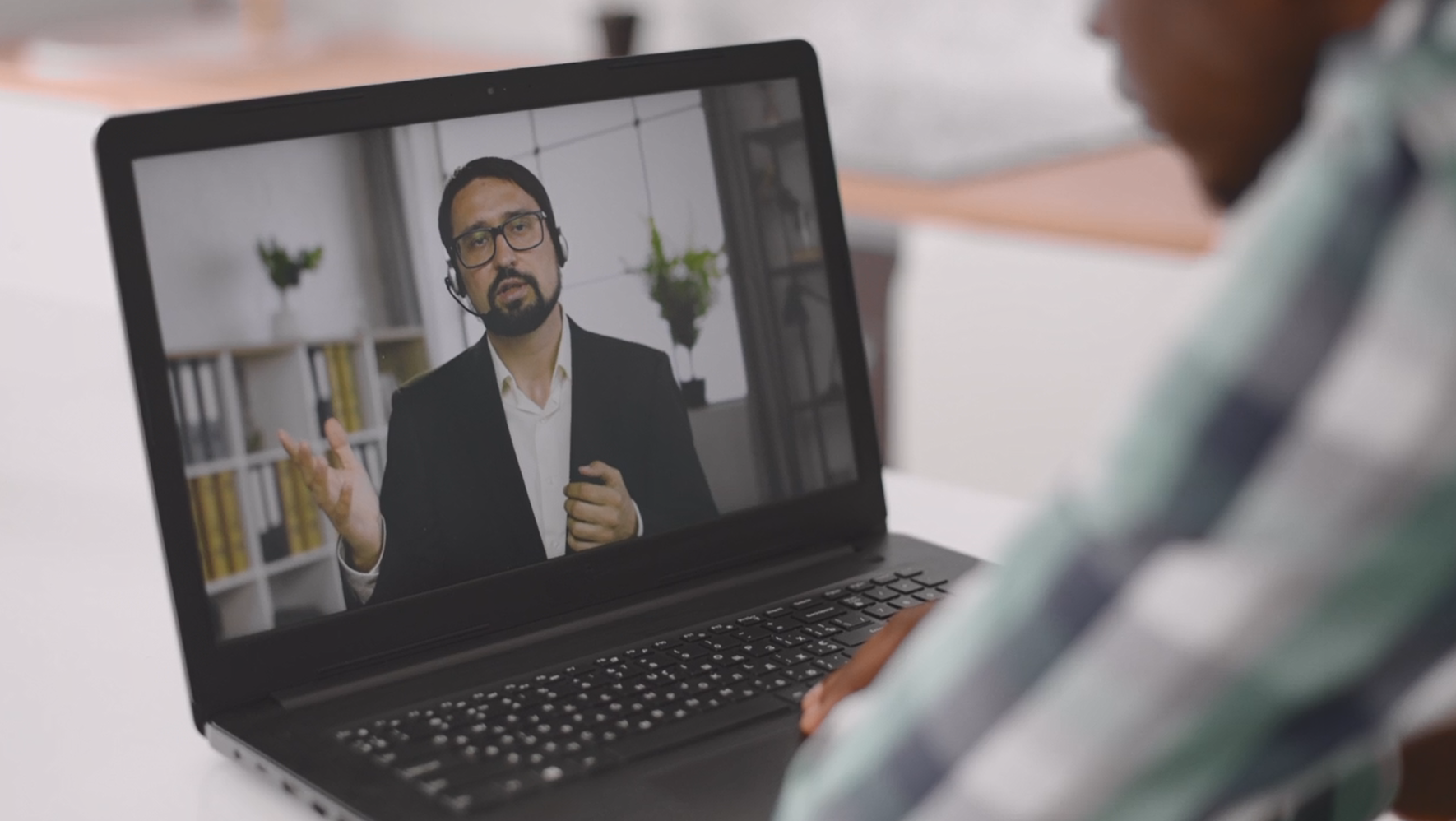
Video call on a laptop screen

Leave a lasting impression

DRESS FOR SUCCESS

Just because you’re interviewing from the comfort of your home doesn’t mean you should wear a T-shirt or wrinkled top. However, be weary of being overdressed. It’s unnecessary and impractical to wear something too formal, such as a suit with a tie or a dress. We recommend professional business casual attire for video interviews and have found that jewel toned, solid colors work best for a great camera-ready look.

KEEP YOUR CELLPHONE OUT OF SIGHT

It can be almost impossible to resist peeking at your phone when you hear the chime indicating you have an unread text message. Avoid the temptation to glance down at your cellphone by leaving it in another room or silencing it for the duration of the interview.

BE MINDFUL OF BODY LANGUAGE

Remember, even though this isn’t an in-person interview, you’re still on camera and first impressions matter. Be conscious of your body language and facial expressions. Be sure to maintain good eye contact with your interviewer and show your engagement in the conversation by occasionally nodding, smiling and sitting up straight.

ASK FOR YOUR INTERVIEWER’S EMAIL ADDRESS

Since you’re not interviewing in person, you won’t have a chance to grab your interviewer’s business card. If you don’t already have his or her email address, be sure to ask for it prior to ending the call so that you can follow up with a thank you note.

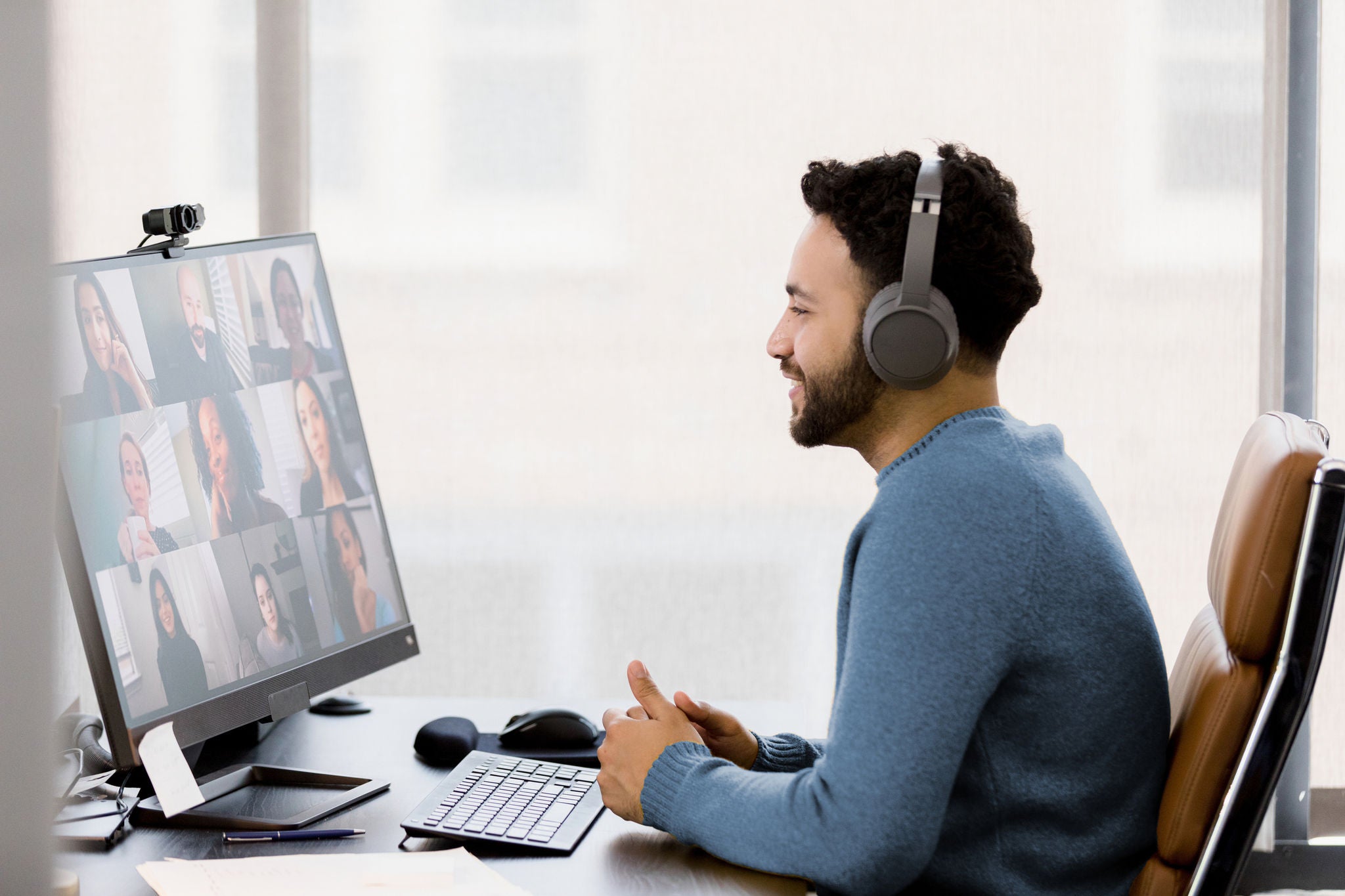
Man in headphones participates in a virtual meeting with a diverse group of people. Wireless technology, teamwork.